


Email Editors
Imagine it. Build it. No coding required.
Uses Cases
Create any type of email before your coffee cools
Benchmark Email’s drag-and-drop editor makes creating stunning emails tailored to your needs quick and easy. Whether you’re promoting an event or sending a warm welcome, our editor has you covered.

Welcome Emails
Increase activity and engagement with a personalized introduction.

Product Promotion
Showcase new arrivals, special offers, and exclusive deals to drive sales.

Events
Design eye-catching invitations and reminders that boost attendance.

Newsletters
Keep your audience engaged with thoughtfully curated updates.
Features
Save time, engage more, convert faster
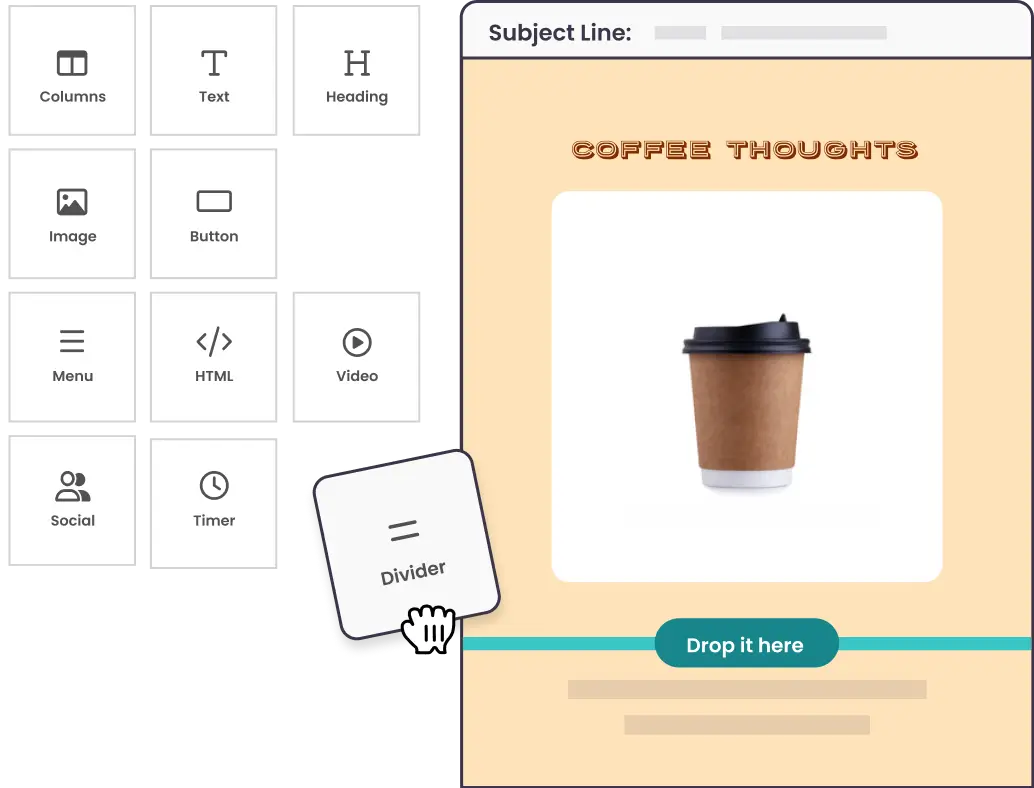
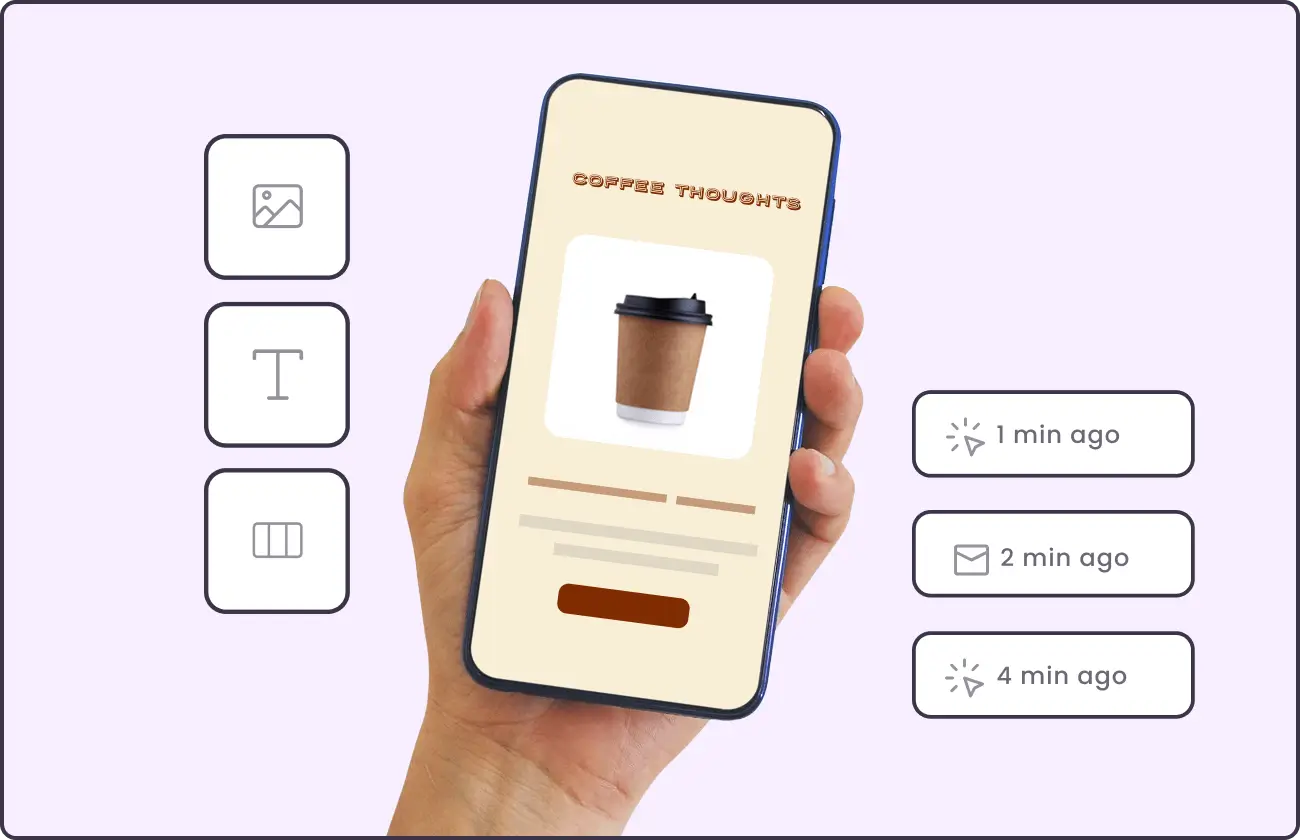
Drag-and-Drop Simplicity
Move elements, adjust layouts, and format text effortlessly with our no-code email editor.
Bring Your Own HTML
Already have a finished email? Paste or upload the HTML and send it, no rebuilding required.

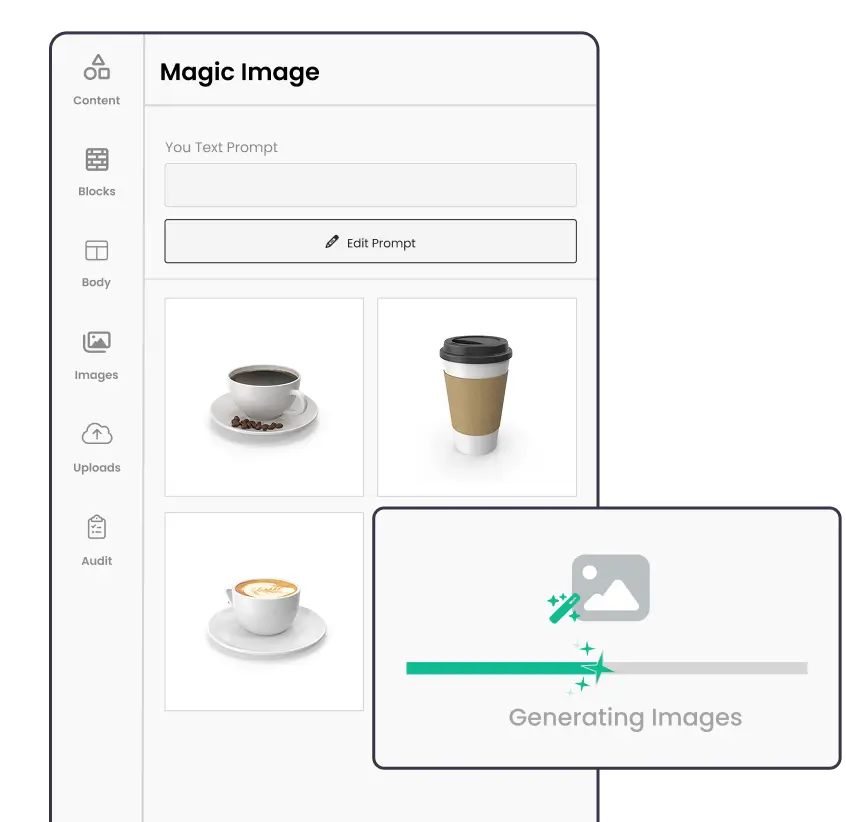
AI-Powered Image Generation
Describe what you need, and our AI creates stunning visuals for you, just like magic
Stock Photo Library
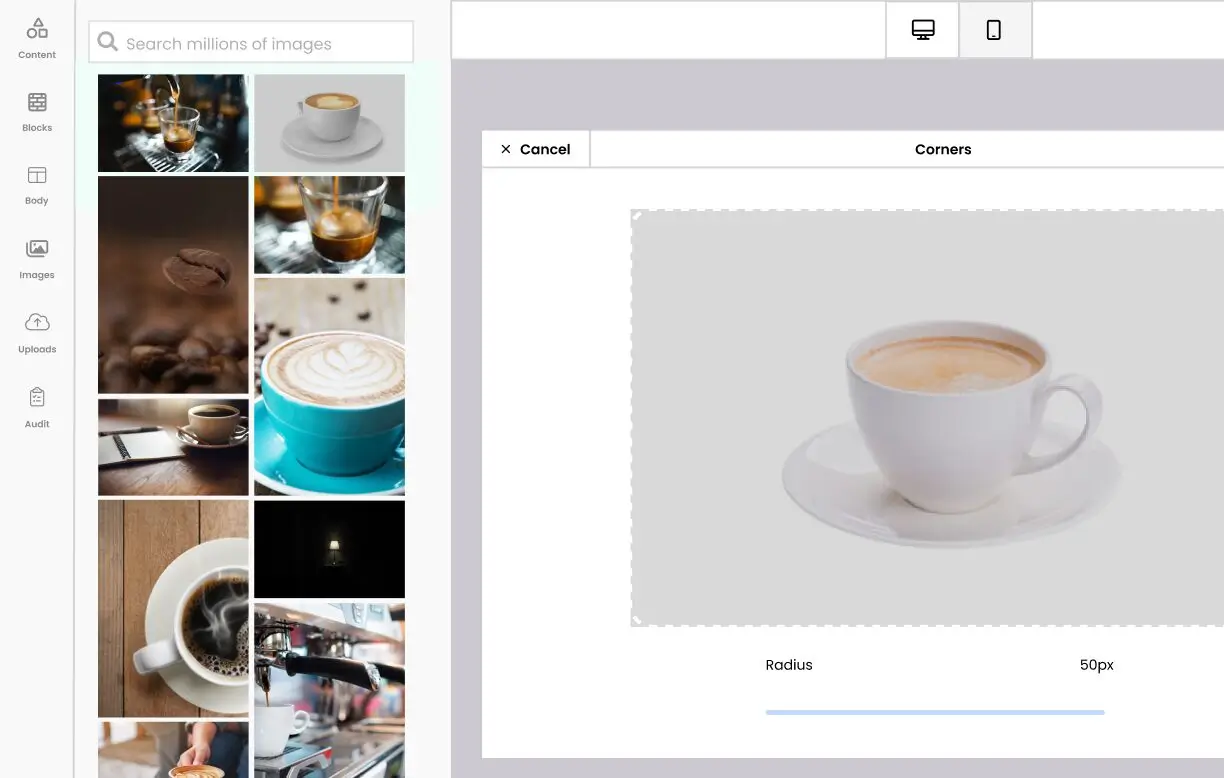
Access millions of free, high-quality images from Unsplash, Pexels, and Pixabay.
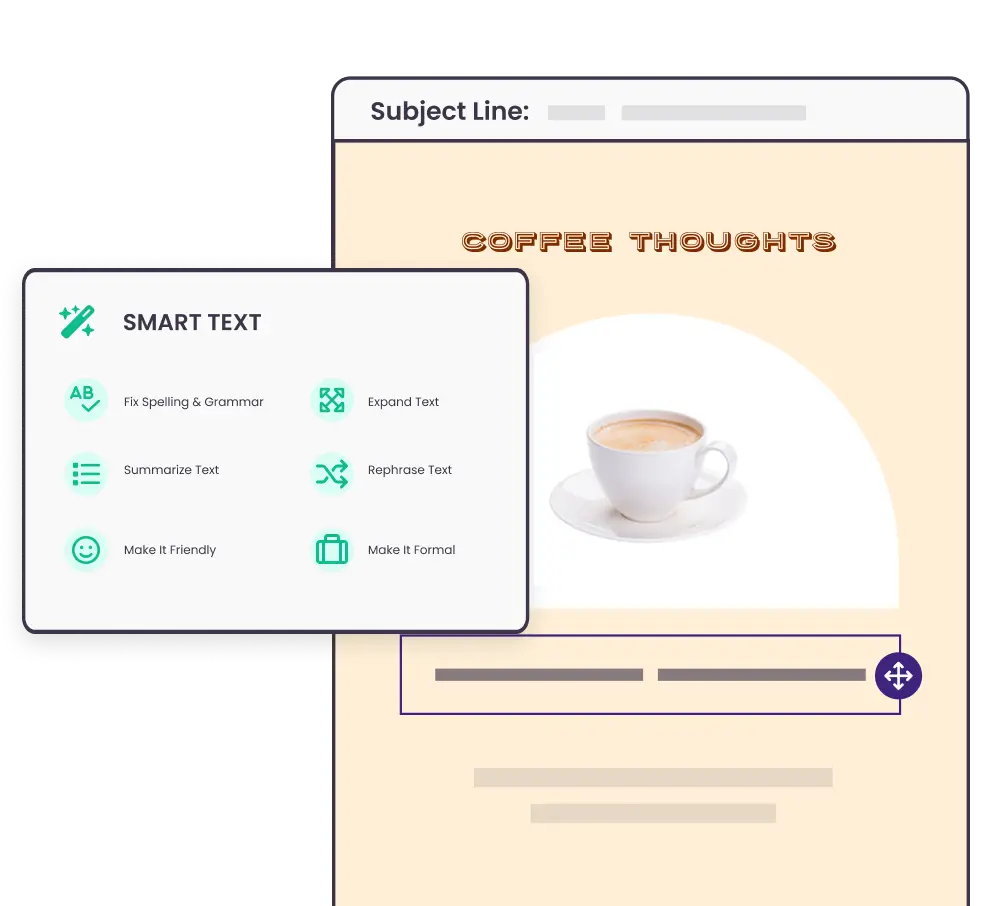
Smart Text Enhancements
Fix spelling, expand content, rephrase, or adjust tone with AI-powered text tools.
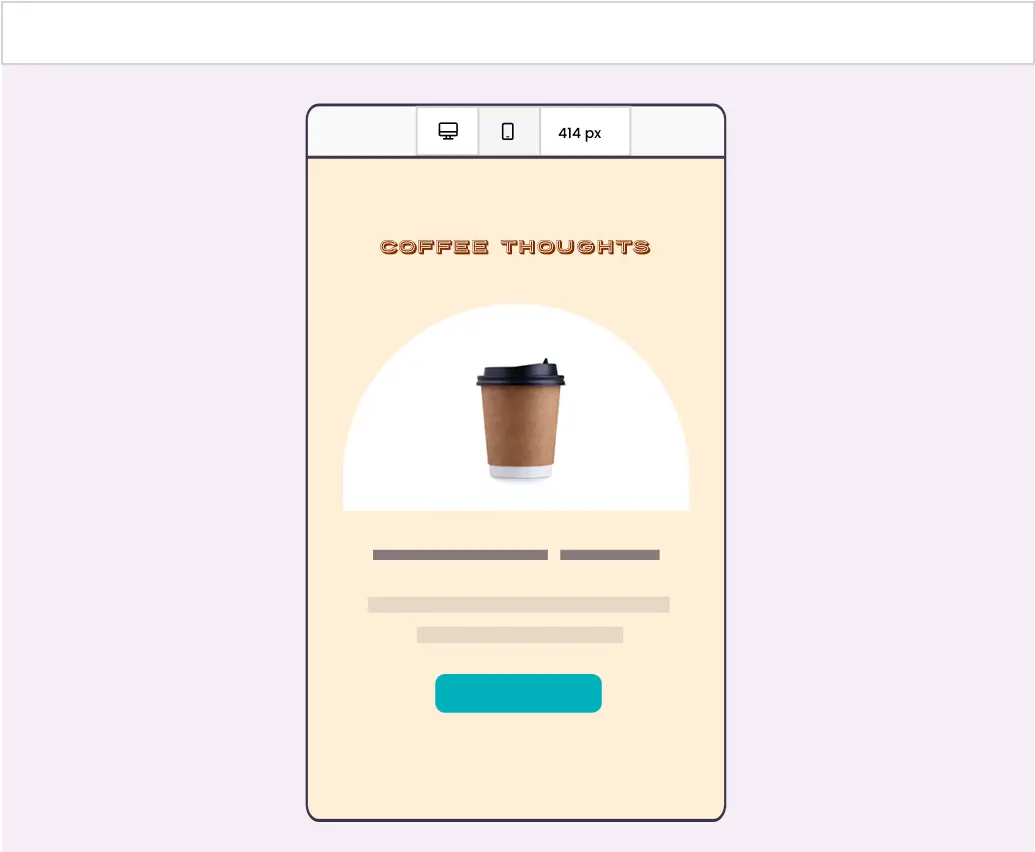
Mobile-Optimized Design
Preview and adjust emails for perfect responsive designs on both desktop and mobile.
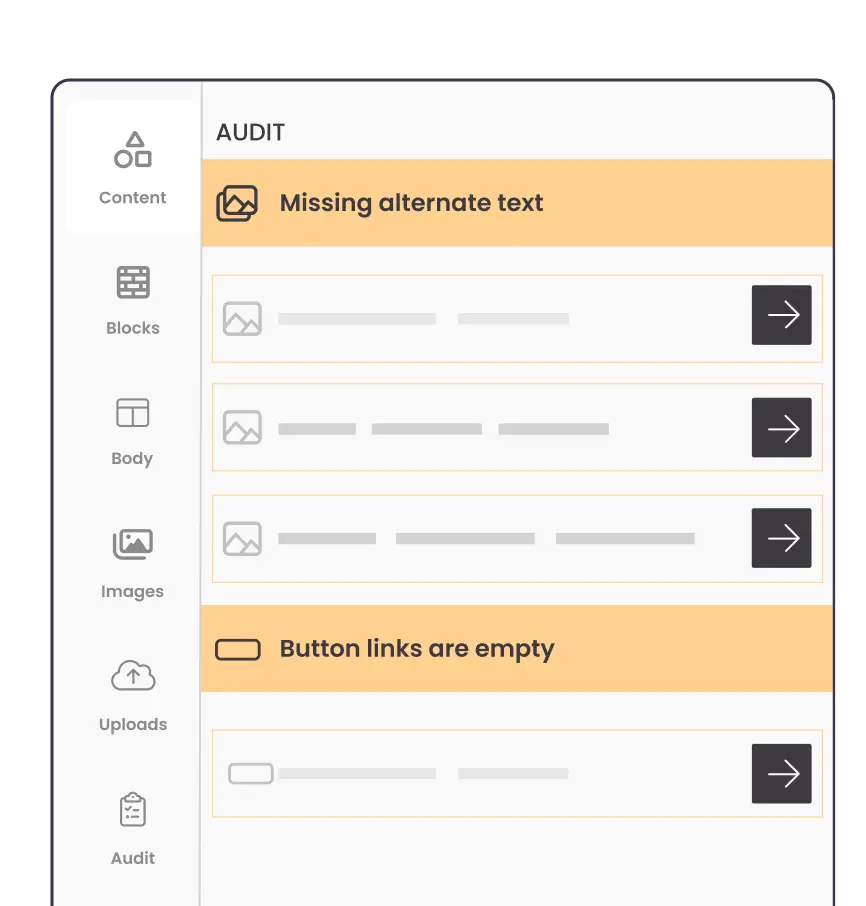
Built-in Quality Control
Never miss a beat with audit alerts that ensure your emails are polished, accessible, and error-free.
Already have the HTML? Paste it and send.
Some emails show up finished. Your designer built one, your agency delivered the files, or an AI tool wrote the code. You shouldn't have to rebuild any of them block by block. Paste or upload your HTML, check the live preview, and send.
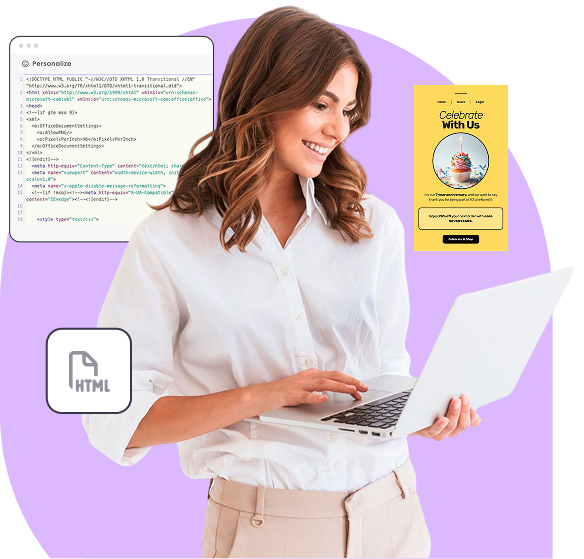

Paste or Upload
Start from scratch in the code editor, or drag in an HTML file. Your code stays exactly as you wrote it.

Live Preview
See your email render as you type, in desktop and mobile views.

Personalization Included
Add first names, custom fields, and fallback values with a click. They fill in for each recipient at send time.
Imperfect code won't wipe your work.
Small issues get repaired quietly, and anything that changes how your email renders shows up as a plain-English note that never blocks you from saving or sending. Custom HTML campaigns go through the same checklist, tracking, and reports as every other email.
Display
Flawless Email Rendering on Any Device
With Benchmark Email, your emails always look great—no matter where they're opened. Our editor ensures consistent rendering across all major email clients and devices.
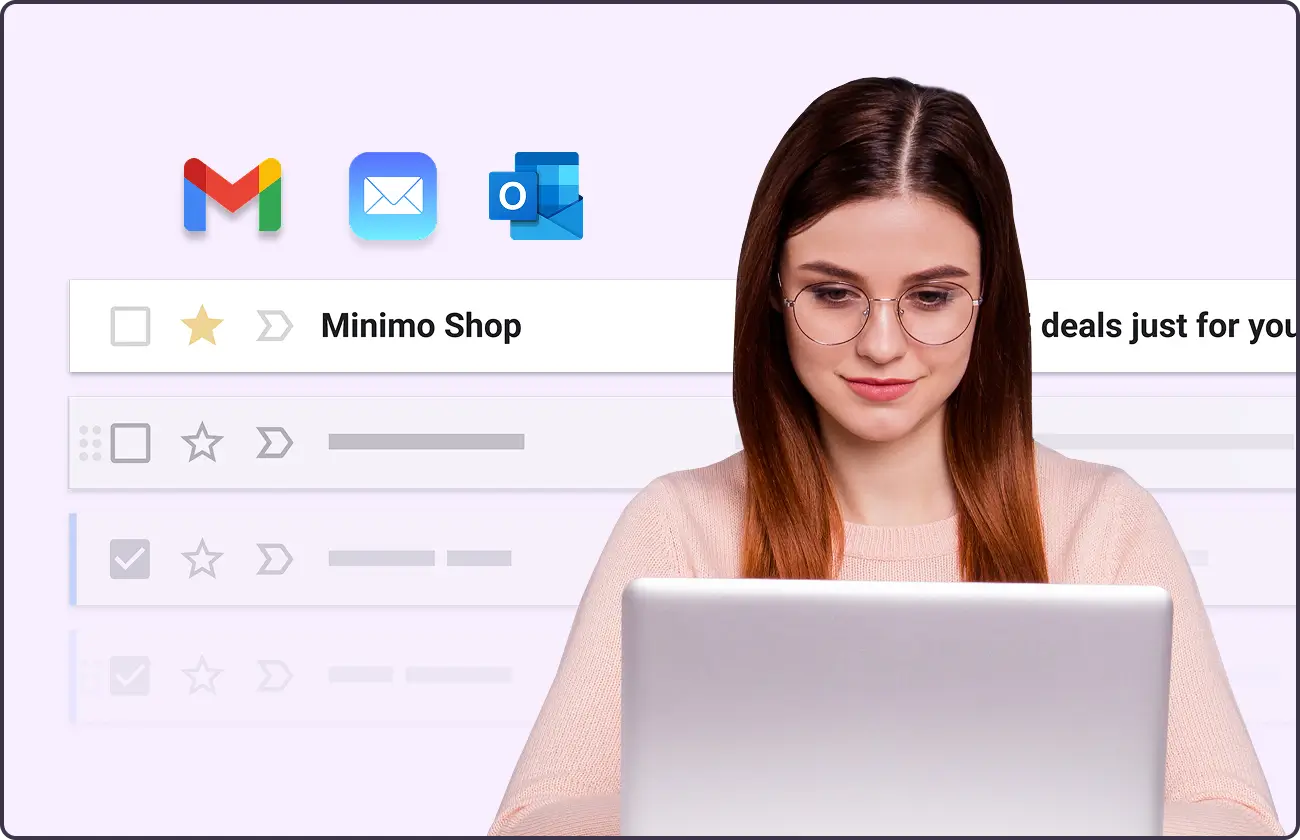
Works Seamlessly with Every Inbox
Whether your subscribers use Gmail, Outlook, Apple Mail, or other platforms, your emails will display as intended—no surprises.
Mobile-Optimized for Maximum Engagement
Designed for today's on-the-go audience, your emails will automatically adjust for optimal readability on desktop, tablet, and mobile with no extra effort required.
Why Benchmark Email?

No Learning Curve
Start sending beautiful emails on day one.

Flexible Design Options
Use starter templates, customizable layouts, or build from scratch.

AI-Powered Assistance
Smart suggestions for images, text, and buttons make designing emails even easier
Get Started with Our Email Editor

Explore More Features
Benchmark is built for speed, but there’s even more under the hood. Explore the key tools that help you create, send, and track emails effortlessly.
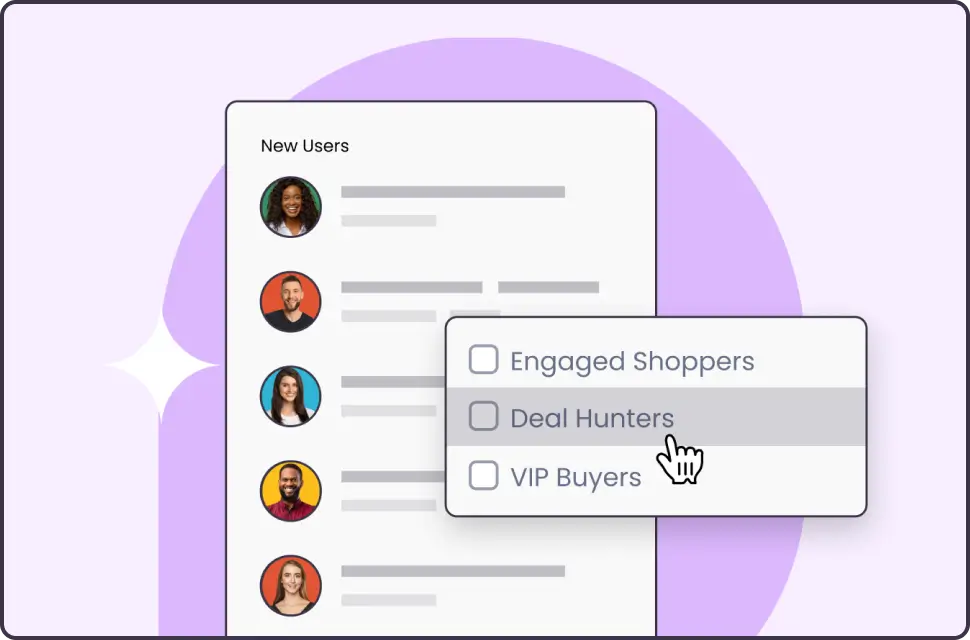
Contact Management
Organize, tag and segment your contacts for easy targeting at scale.
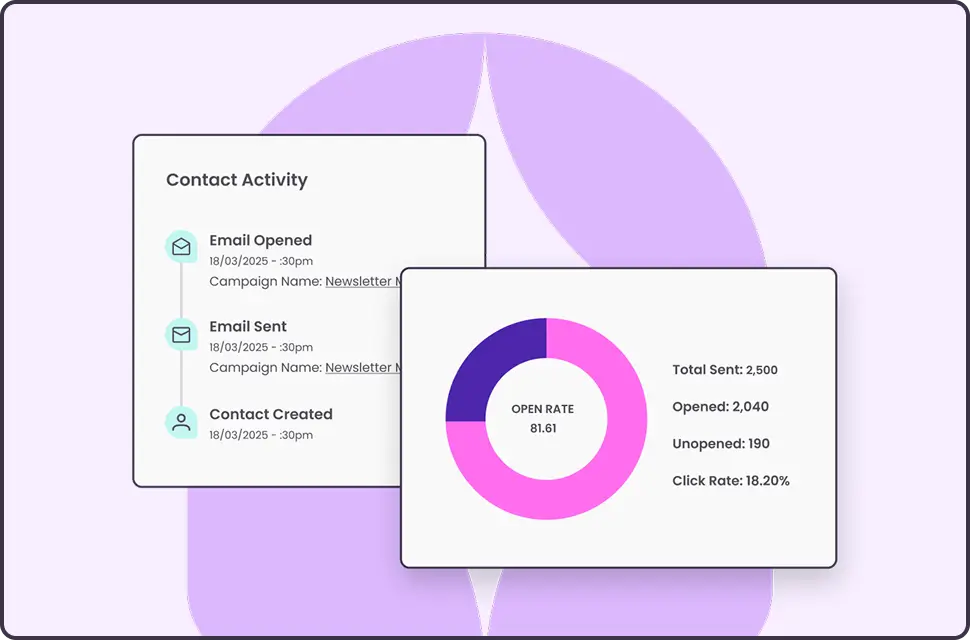
Reporting
Understand what’s working, and improve what isn’t with insightful reporting.